
Use the in-world save points described in the Athanasia demo reports, and follow the interaction presented by your version. The collected evidence distinguishes those save points from unrestricted quicksave. A developer reply discusses quicksave as a possible future addition without promising it, so a familiar quicksave key should not be assumed to work.
Coverage: Demo save-point evidence and a dated developer reply; exact interaction controls are not established.
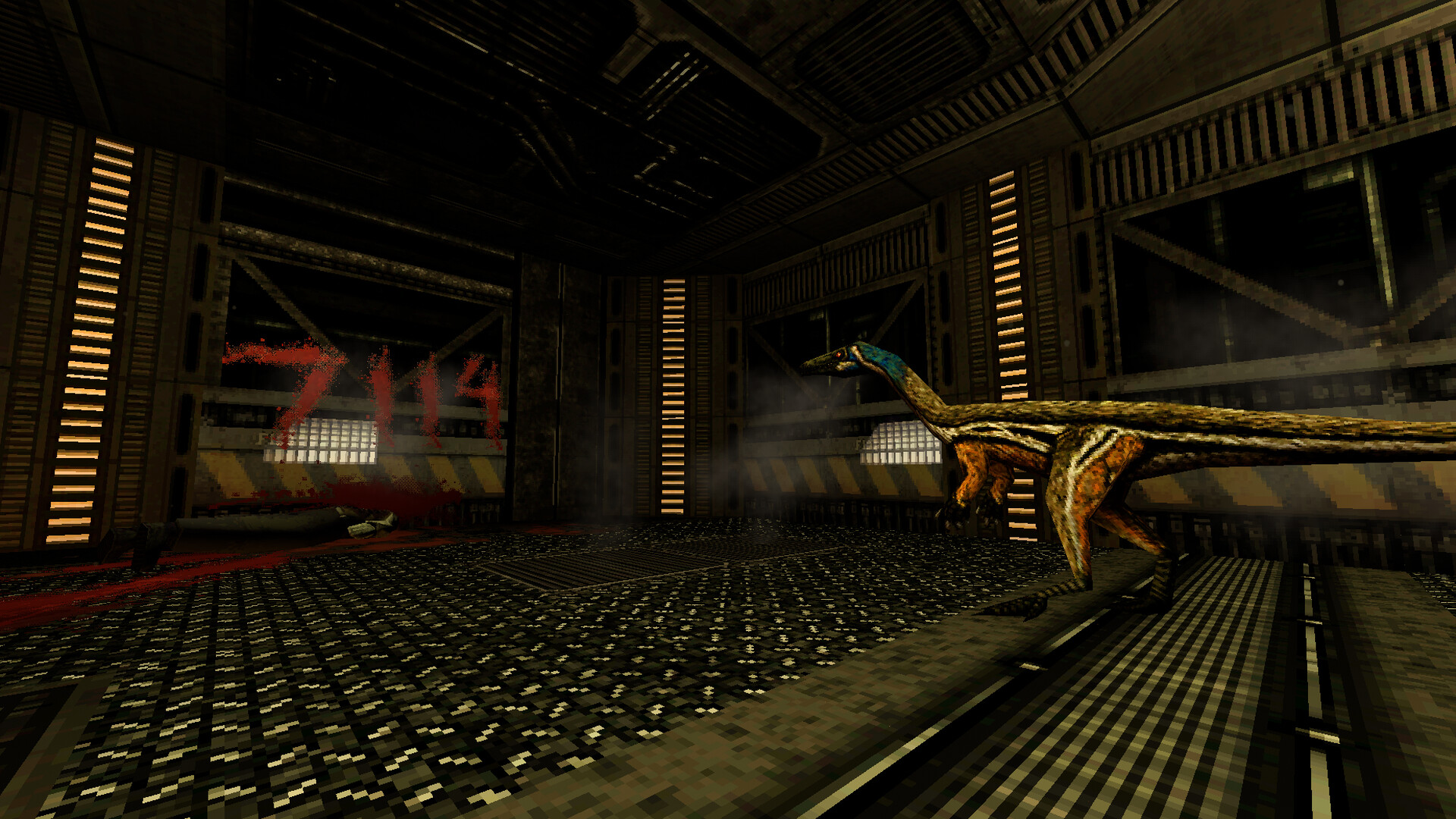
What the demo evidence establishes about saving
THE MAGIC RAIN’s hands-on demo article mentions save points. A separate Steam discussion contains player comments that also describe save points while discussing the absence of quicksave. These accounts support the basic distinction between saving at an in-world location and freely saving at any moment.
That distinction directly answers the first part of the saving question. Look for the saving interaction provided by the version you are playing instead of relying on another game’s conventions. The collected descriptions do not identify an exact object appearance or a complete activation sequence.
What the developer said about quicksave
Developer Safavi replied to a Steam request for quicksave. The reply connects the existing approach to the game’s survival horror focus and treats a future option as something that could be considered. It also explicitly avoids making a firm promise.
Read that response as a dated statement about a potential feature. It establishes neither a confirmed release date for quicksave nor a working shortcut. Later player comments on the same thread continue to distinguish quicksave from the save points they describe in the demo.
Establish your saving routine before taking a risk
The practical consequence is to understand the saving interaction before an experiment that could lose progress. The available evidence makes save points relevant to that planning. It does not support the assumption that an unrestricted backup save is always available immediately before an encounter.
Follow the interaction the game actually presents and pay attention to the result. A save action and the ability to resume from it are related parts of preserving progress. This is a cautious way to apply the evidence, rather than a claim about a particular menu layout or confirmation message.
How player accounts support the basic answer
The creator of a recent demo recording says in the accompanying Steam post that they saved frequently. This independently supports the availability of saving in that experience. It does not identify the exact save-point locations or explain how the interaction was performed.
The quicksave discussion supplies a different kind of context because it includes the developer’s reply. Player comments in that thread remain player observations. Combining these sources clarifies the distinction without turning every reported detail into an official operating instruction.
Use the controls shown by your played version
No cross-verified save interaction key is included in the collected material. The sources also do not establish save-slot rules, consumable costs, or the exact appearance of a save point. Adding a conventional key would therefore create an instruction the evidence does not support.
Use the prompt or control information available in the game you have open. If the behavior differs from the historical demo accounts, keep that version difference in mind. The central supported answer remains the distinction between reported in-world save points and an unpromised quicksave option.
Keep pre-alpha and demo reports separate
The developer-linked itch page explicitly identifies its release as a pre-alpha demo whose content can change. That warning limits what old comments can establish about another version. A saving complaint attached to that build is evidence about the writer’s experience there, not an instruction for every later demo.
Identify the version before applying historical advice to your current game. The Steam discussion and the hands-on article are the relevant sources for the distinction described on this page. The pre-alpha page is retained only to make the separation between builds clear.
The practical saving answer to keep in mind
The demo sources support looking for save points and using the interaction supplied by the game. The developer’s response supports treating quicksave as a discussed possibility, with no promise in that reply. Those are the two reliable conclusions available from the collected accounts.
For general preparation, continue with beginner tips or the systems guide. For progression, use the walkthrough’s documented demo scope. Keeping saving separate from route advice makes it easier to check the specific behavior that preserves your progress.
Sources and version context
- THE MAGIC RAIN: demo impressionsNathalie Tay, September 14, 2025. Resource management and save-point observations.
- Steam: developer reply about quicksaveDeveloper Safavi’s April 2 reply and subsequent player comments; checked October 16, 2026.
- Steam: demo player’s gameplay notesCreator’s September 27, 2026 post; observations are identified as player reports.
- Developer-linked pre-alpha demoExplicitly identified as a changeable pre-alpha build; kept separate from Steam demo evidence.